

Design Intuitive Interfaces so users return for the experience, not just because your website or app exists. They return because the experience feels effortless, clear, and satisfying. An intuitive interface removes friction, guides behavior naturally, and helps users achieve their goals without confusion.
Strong intuitive UI design is now a major factor in user retention, customer loyalty, and long-term digital growth. When users enjoy interacting with your product, they stay longer, engage more deeply, and return more often.
What is a Design Intuitive Interface?
An intuitive interface feels familiar and easy to use without requiring instructions. Users should be able to navigate, interact, and complete actions instinctively and in line with common digital patterns.
Key characteristics include:
- Clear navigation structure
- Predictable interactions
- Simple visual hierarchy
- Minimal cognitive load
- Fast response and smooth performance
When interfaces behave the way users expect, engagement naturally increases.
Why Intuitive UI Design Matters for User Retention
1. Reduces Frustration
Confusing layouts, hidden buttons, or complicated flows push users away. Intuitive design keeps the experience smooth and removes barriers that cause drop-offs.
2. Builds Trust Quickly
When users immediately understand how to use a product, they feel confident. That confidence translates into trust, and trust drives repeat visits.
3. Encourages Habit Formation
Easy-to-use platforms become part of a user’s routine. Whether it’s an eCommerce app or a SaaS dashboard, usability directly influences how often users return.
4. Improves Conversion Rates
Clear calls to action and logical flows help users move from browsing to taking action. Better usability supports stronger business outcomes.
Core Principles of Intuitive Interface Design
Keep Navigation Simple and Predictable
Users should never feel lost. A well-structured navigation system helps them find what they need in seconds.
Best practices include:
- Using familiar menu placements
- Limiting the number of top-level options
- Adding breadcrumbs for deeper pages
- Including a clear search feature
When navigation is obvious, users explore more.
Use Visual Hierarchy to Guide Attention
Visual hierarchy directs users toward important elements first. Size, color, spacing, and contrast help communicate priority without overwhelming the layout.
Focus on:
- Prominent headlines
- Clearly highlighted primary buttons
- Adequate white space
- Consistent typography styles
A good hierarchy ensures users know where to look and what to do next.
Design for Familiar Patterns
Users bring expectations from other apps and websites. Leveraging common design patterns reduces the learning curve.
Examples include:
- Shopping cart icons for eCommerce
- Hamburger menus on mobile
- Swipe gestures in mobile apps
- Underlined links for clickable text
Familiar interactions make digital products feel comfortable from the first visit.
Reduce Cognitive Load
The human brain prefers simplicity. Too many choices or complex layouts cause decision fatigue.
You can reduce cognitive load by:
- Breaking content into sections
- Using short forms instead of long ones
- Showing progress indicators in multi-step processes
- Removing unnecessary visual clutter
When users don’t have to think too hard, they stay longer.
Provide Immediate Feedback
Users need confirmation that their actions worked. Micro-interactions and system feedback improve clarity and satisfaction.
Examples include:
- Button animations on click
- Success messages after form submission
- Loading indicators
- Error messages that explain how to fix issues
Feedback makes the interface feel responsive and reliable.
Mobile-First Intuitive Design
With mobile traffic dominating digital platforms, an intuitive mobile UI is essential for engagement and SEO performance.
Key mobile design elements include:
- Large, tappable buttons
- Thumb-friendly navigation zones
- Minimal text input requirements
- Fast-loading screens
Search engines favor mobile-friendly experiences, so intuitive mobile design supports both usability and visibility.
The Role of Consistency in UX Design
Consistency helps users learn your interface quickly. When buttons, colors, and interactions behave the same way across the platform, users feel in control.
Maintain consistency in:
- Icon styles
- Button shapes and colors
- Font usage
- Interaction behaviors
A consistent UI strengthens brand recognition and reduces confusion.
How Design Intuitive Interfaces Impacts SEO
Search engines measure user behavior signals. When users stay longer and interact more, it sends positive indicators.
Intuitive interfaces contribute to:
- Lower bounce rates
- Higher session duration
- More pages per session
- Better mobile usability scores
These engagement signals support stronger search performance over time.
Testing and Improving Interface Intuitiveness
Great UI design is not a one-time task. Continuous improvement ensures the interface evolves with user expectations.
Effective methods include:
- Usability testing with real users
- Heatmaps and click tracking
- A/B testing layouts and buttons
- Reviewing user session recordings
Regular testing helps identify friction points and refine the experience.
Common Mistakes That Hurt Usability
Avoid these issues that reduce engagement:
- Overcrowded layouts
- Hidden navigation menus
- Inconsistent design elements
- Slow loading speeds
- Unclear calls to action
Even small usability problems can stop users from returning.
Future Trends in Intuitive UI and UX
Trends shaping intuitive interfaces include:
- AI-driven personalization
- Voice user interfaces
- Gesture-based interactions
- Minimalist and distraction-free layouts
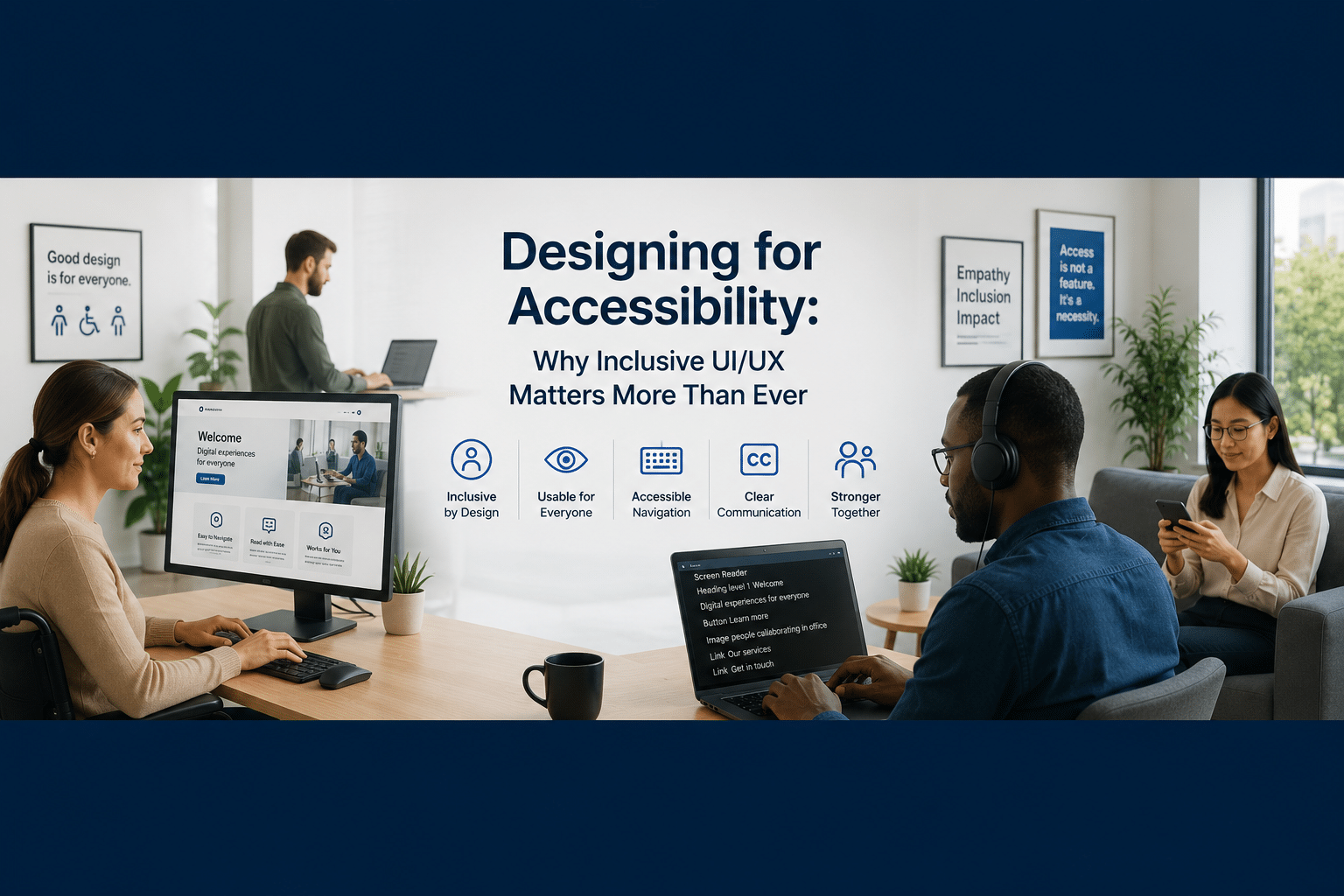
- Accessibility-first design
Interfaces that adapt to user behavior will lead the next wave of engagement-focused design.
Conclusion
Designing intuitive interfaces is not just about aesthetics. It is about understanding user behavior, removing friction, and creating digital experiences that feel natural. When users can navigate effortlessly and achieve their goals quickly, they are far more likely to return.
An intuitive UI strengthens user engagement, builds trust, and supports long-term retention. All of these factors contribute to stronger digital growth and better search visibility. Companies like Zunzun Solutions recognize that user-centered design is a key driver of long-term digital success.
| Read this also: Building High Performance Websites for Speed, Security, and Scalability