


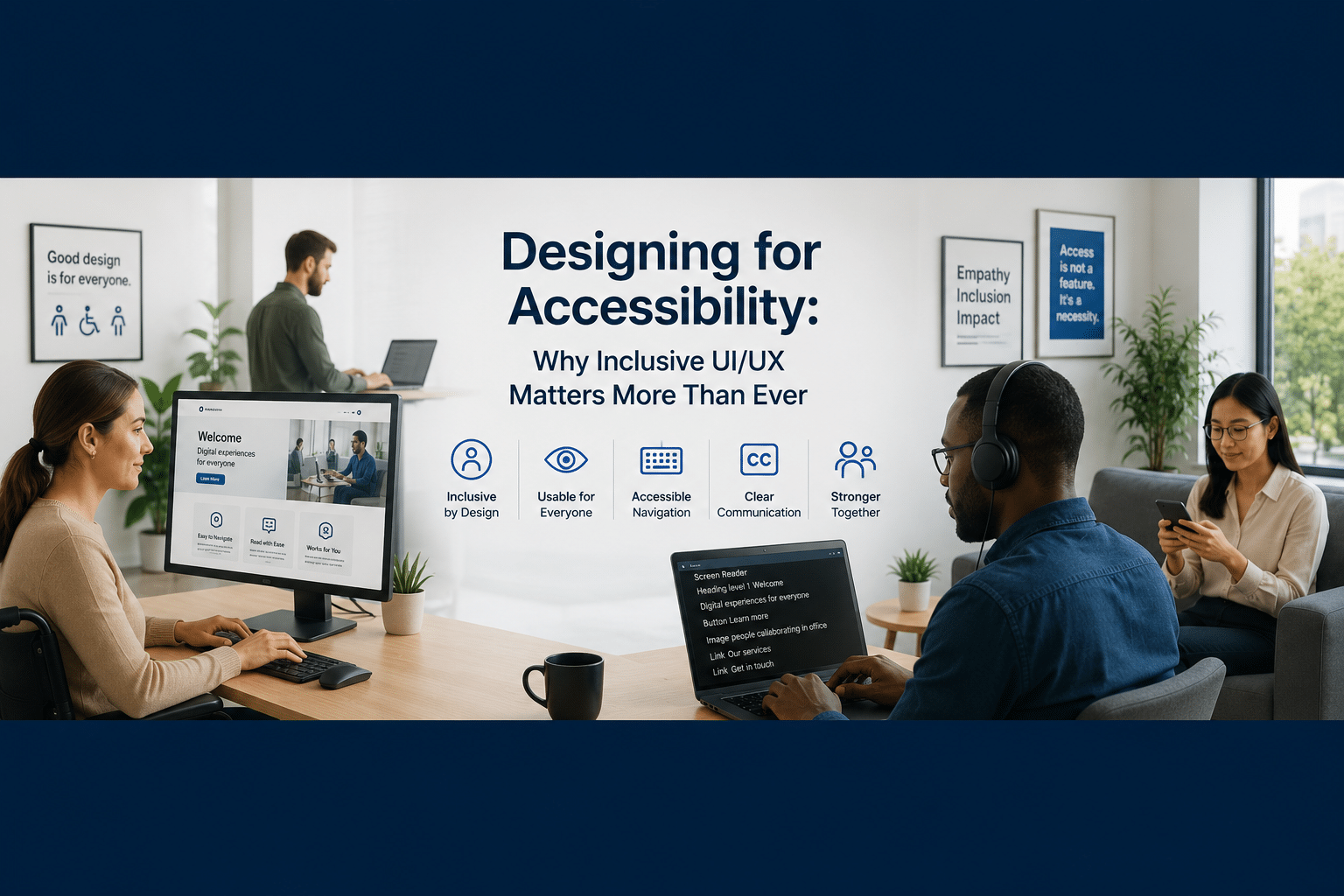
People often think good UI/UX design is just about how things look: clean layouts, modern interfaces, and nice animations. But effective design is about more than just appearance.
The best digital experiences look good, but they’re also easy to use, intuitive, and accessible to everyone.
As digital products become increasingly central to how we work, communicate, shop, learn, and access services, accessibility is no longer just a UI/UX design consideration but a business matter. And organizations that prioritize accessibility are building products that reach more users, create better experiences, and deliver stronger long-term value.
Why Accessibility Matters More Today
Digital experiences have become essential.
Users interact with websites, mobile applications, customer portals, healthcare systems, banking platforms, and e-commerce experiences every day. At the same time, users have diverse needs, abilities, devices, and environments.
Accessibility helps ensure that digital products remain usable regardless of:
- Visual impairments
- Deficits in hearing
- Motor limitations
- Cognitive differences
- Temporary disabilities
- Device limitations
- Environmental constraints
Accessible ui/ux design makes things easier for everyone, not just people with disabilities.
Understanding Digital Accessibility
Digital accessibility involves UI/UX designing and developing products that the broadest possible audience can use effectively.
This often includes considerations such as:
- Keyboard navigation
- Screen reader compatibility
- Color contrast
- Alternative text for images
- Readable typography
- Clear navigation structures
- Captioned multimedia content
- Accessible forms and inputs
Accessibility is not a feature; it is a UI/UX design philosophy.
The Real Challenges Organizations Face
Many organizations unintentionally introduce accessibility issues. Common examples include:
| Accessibility Challenge | Impact on Users |
|---|---|
| Low color contrast | Reduced readability |
| Missing image descriptions | Screen readers cannot interpret content |
| Poor keyboard navigation | Limits accessibility for many users |
| Complex forms | Higher abandonment rates |
| Small touch targets | Mobile usability challenges |
| Overly complex animations | Cognitive and motion-related difficulties |
| Inconsistent navigation | Increased confusion and friction |
These issues often affect a much broader audience than organizations realize.
The Business Benefits of Accessible UI/UX Design
Organizations often discuss accessibility from a compliance perspective. But the business benefits are equally important.
1. Reach a Larger Audience
According to the World Health Organization, well over one billion people worldwide experience some form of disability. Designing accessible experiences expands the number of users who can successfully engage with your products. Accessibility increases opportunity.
2. Improve User Experience for Everyone
Many accessibility improvements benefit all users. Examples include:
- Better navigation
- Cleaner layouts
- Enhanced readability
- Faster task completion
- Reduced friction
Improvements for accessibility often enhance overall usability.
3. Strengthen Brand Trust
Users remember products that are easy to use. Organizations that prioritize inclusion demonstrate:
- Empathy
- Customer focus
- Attention to detail
- Long-term thinking
These qualities directly influence trust and loyalty.
4. Improve Search Visibility
Accessibility and SEO frequently overlap. Practices help both users and search engines understand content more effectively. Methods like:
- Proper heading structure
- Alternative image descriptions
- Semantic HTML
- Clearly organized content
In an AI-driven search environment, structured and accessible content is even more valuable.
5. Reduce Legal and Compliance Risk
Many industries now face growing accessibility requirements. Standards such as WCAG, ADA compliance, and regional regulations are becoming integral to digital governance. Addressing accessibility early is much easier than making changes later.
Accessibility and Modern UI Animation
Animations can improve user experiences when used intentionally. However, excessive motion can create challenges for some users.
Accessible animation practices include:
- Respecting reduced-motion preferences
- Avoiding flashing effects
- Limiting unnecessary movement
- Supporting user control over animations
- Using animation to improve understanding rather than distract
The goal is not to remove animation, but to make it purposeful.
Real-World Perspective: What the Data Says
Research from the WebAIM Million Report shows that most website homepages still contain detectable accessibility issues.
Their studies consistently identify common barriers, including:
- Low-contrast text
- Missing alternative text
- Empty links
- Missing form labels
Meanwhile, organizations that invest in accessibility often discover benefits beyond compliance, including improved usability metrics, broader customer reach, and stronger customer satisfaction.
The takeaway is simple: Accessibility remains one of the most overlooked opportunities for improving digital experiences.
Practical Steps Organizations Can Take Today
Improving accessibility does not always require major redesigns.
Start with:
Evaluate color contrast
- Ensure text remains readable across devices and environments.
Add alternative text to images
- Support screen readers and improve content understanding.
Improve keyboard navigation
- Allow users to navigate without relying solely on a mouse.
Simplify forms
- Reduce friction and abandonment.
Test with real users
- Accessibility tools are helpful, but user feedback remains essential.
Include accessibility in the UI/UX design process
- Accessibility should be included in planning, not treated as an afterthought.
Accessibility Checklist for Product Teams
| Area | Questions to Ask |
| Navigation | Can users easily find information? |
| Forms | Are forms easy to complete and understand? |
| Content | Is the content structured clearly? |
| Images | Do all images include meaningful descriptions? |
| Mobile Experience | Is the experience usable on all devices? |
| Motion | Are animations accessible and controllable? |
| Readability | Is the text easy to read and understand? |
Final Thought
Accessibility is not just for a small group of users. It is about creating better experiences for everyone.
Organizations that prioritize accessibility create products that are:
- More inclusive
- More usable
- More scalable
- More discoverable
- More trusted
And as digital experiences continue evolving, accessibility will become an increasingly important indicator of product maturity. The future of great UI/UX design is not simply beautiful. It’s inclusive.
Frequently Asked Questions
What is accessibility in UI/UX design?
Accessibility in UI/UX design ensures digital products can be used effectively by people with diverse abilities, devices, and circumstances.
Why is accessibility important for businesses?
Accessibility improves user experience, expands audience reach, strengthens trust, supports SEO, and helps reduce compliance risks.
Does accessibility only benefit users with disabilities?
No. Many accessibility improvements enhance usability for all users, including those using mobile devices, slow connections, or challenging environments.
What is WCAG?
The Web Content Accessibility Guidelines (WCAG) are internationally recognized standards for creating accessible digital experiences.
How can organizations start improving accessibility?
Begin with accessibility audits, improve content structure, test with users, enhance navigation, and incorporate accessibility requirements into product planning and UI/UX design processes.
About the Author
Sachel Hernandez is the Founder & CEO of Zunzun Solutions, where he focuses on helping organizations solve real business challenges through technology, product strategy, highly qualified staff, and scalable digital solutions.
His work combines technical execution with practical business thinking, with a strong focus on customer experience, operational efficiency, and modern software delivery practices.
Connect on LinkedIn:
Sachel Hernandez | LinkedIn
If this topic resonated with you, feel free to reach out and continue the conversation.


